MAPP PRO Hub

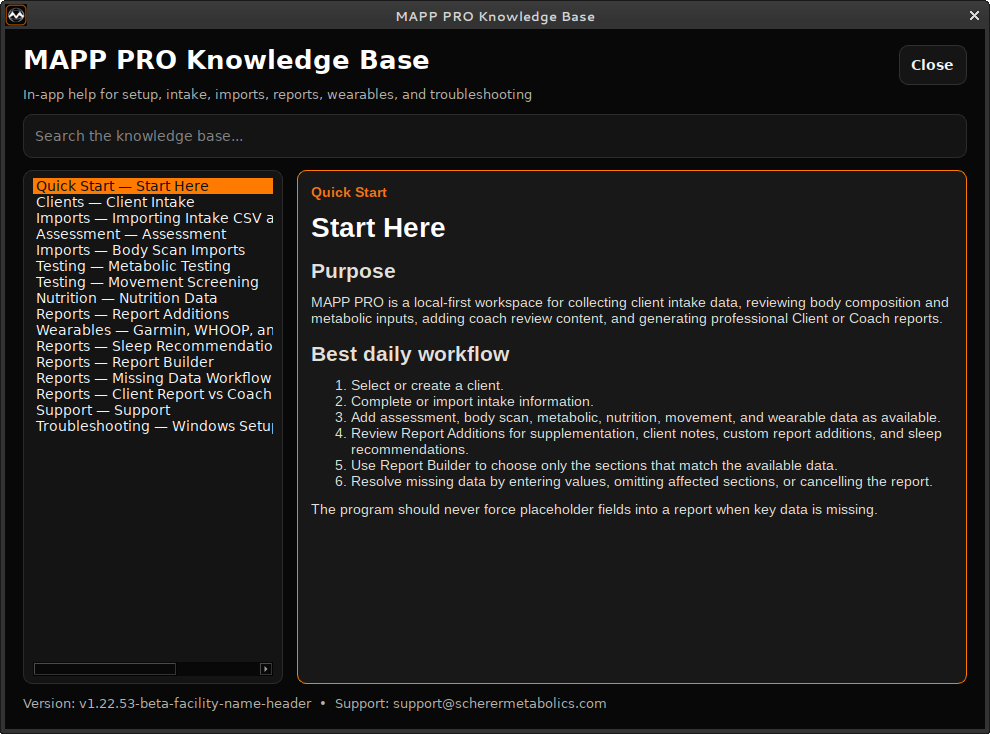
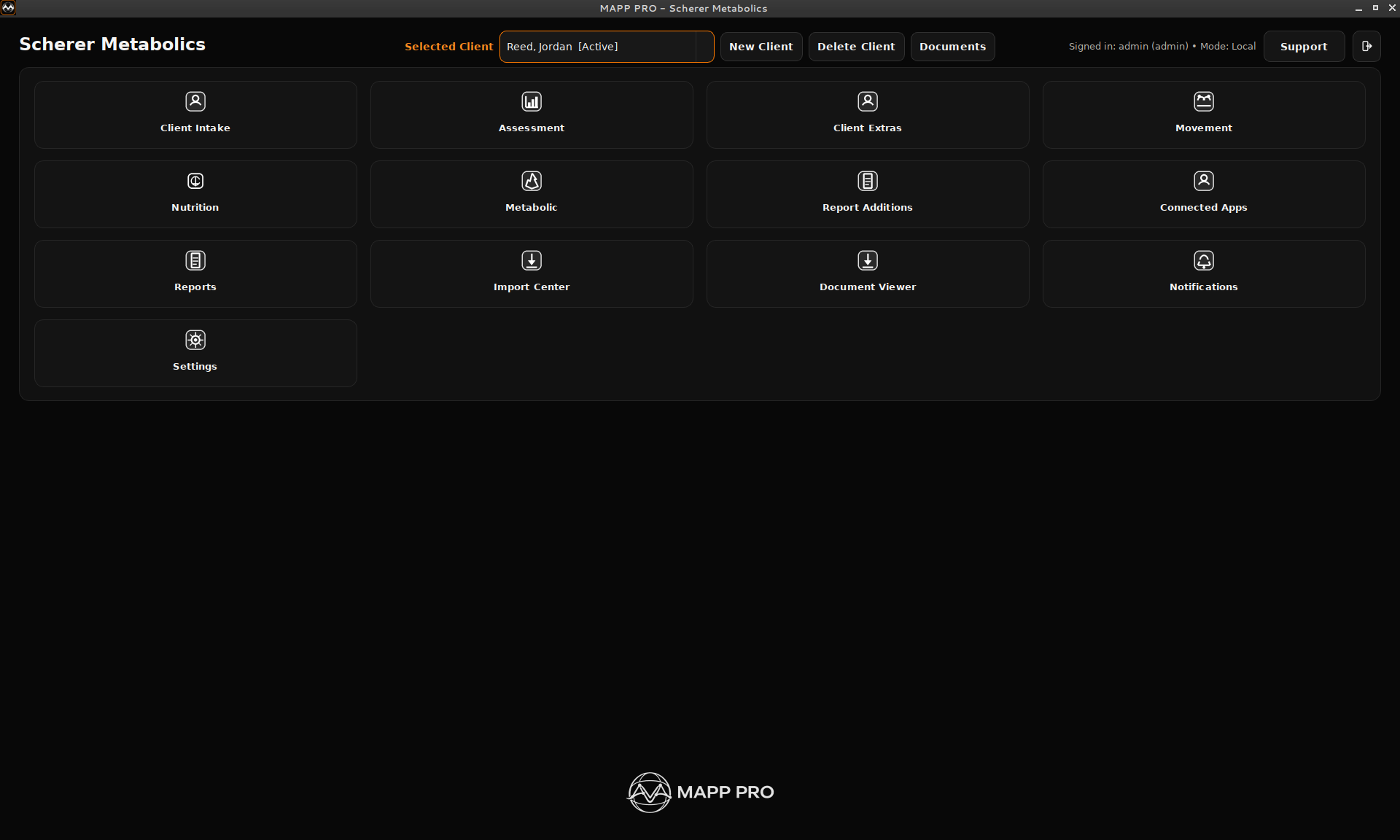
A preview hub for the MAPP PRO workflow: client intake, imports, reporting, licensing, and facility setup.

Built for professionals who need cleaner client records, faster reporting, and a more polished assessment process.

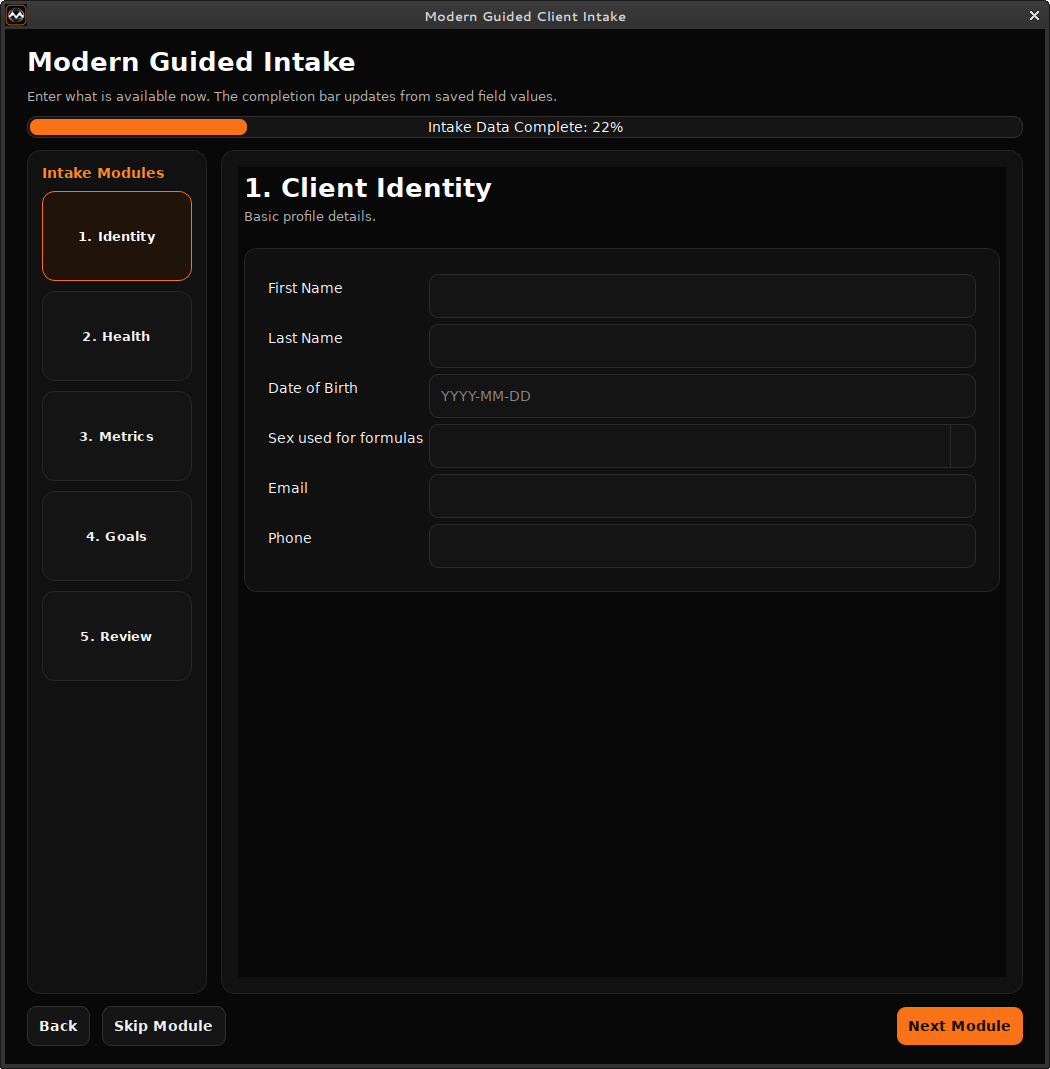
Program Gallery

Program screens

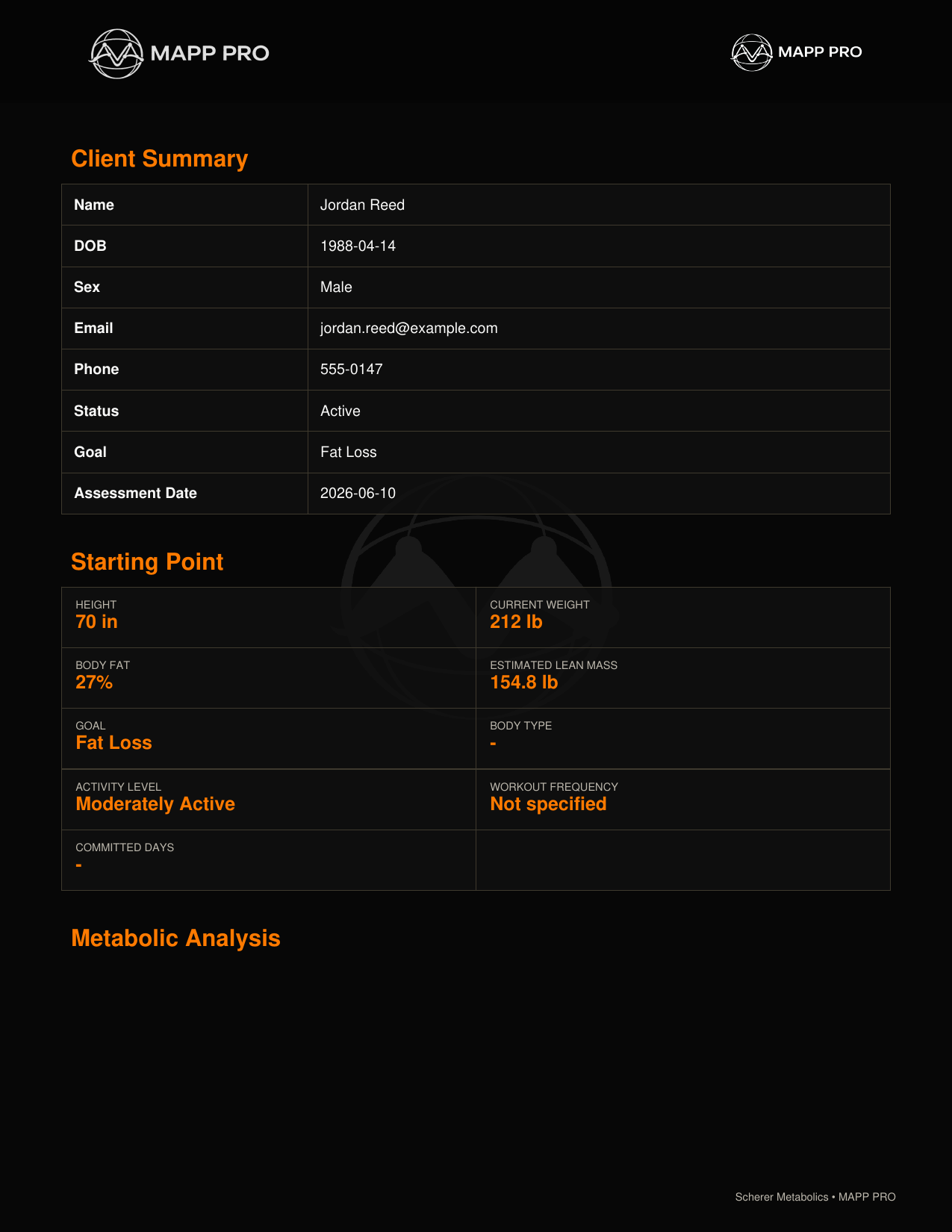
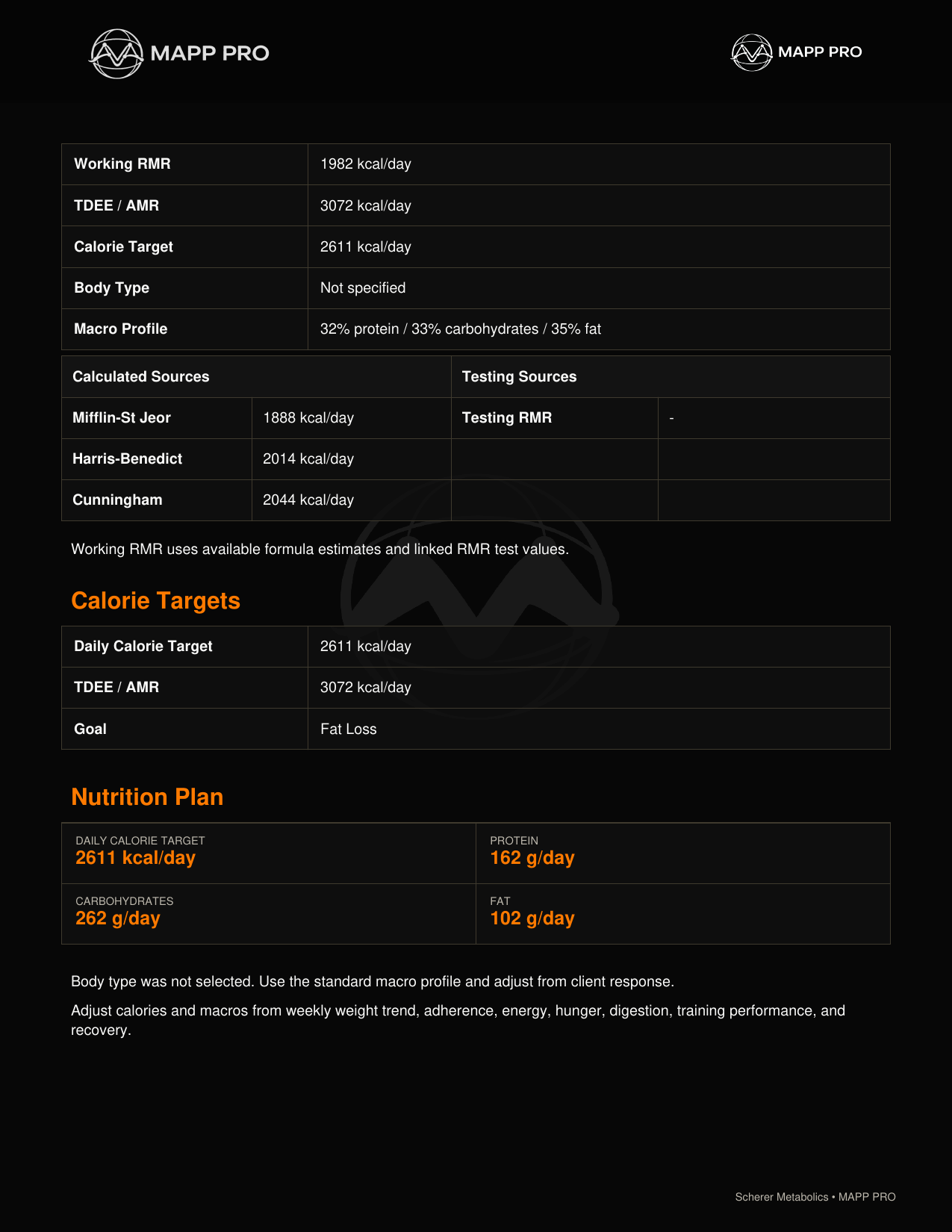
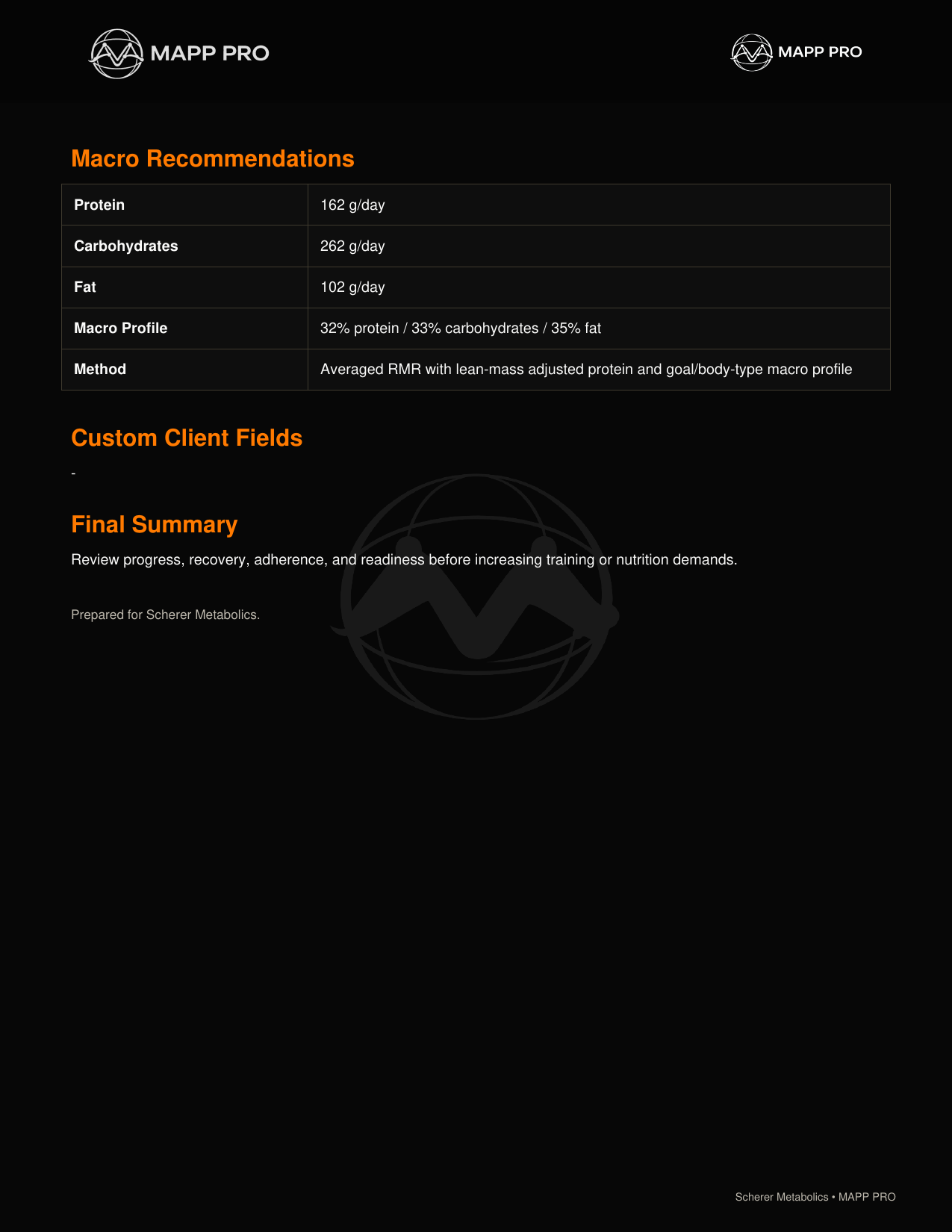
Report Gallery

PDF examples

Included Tools

What MAPP PRO does

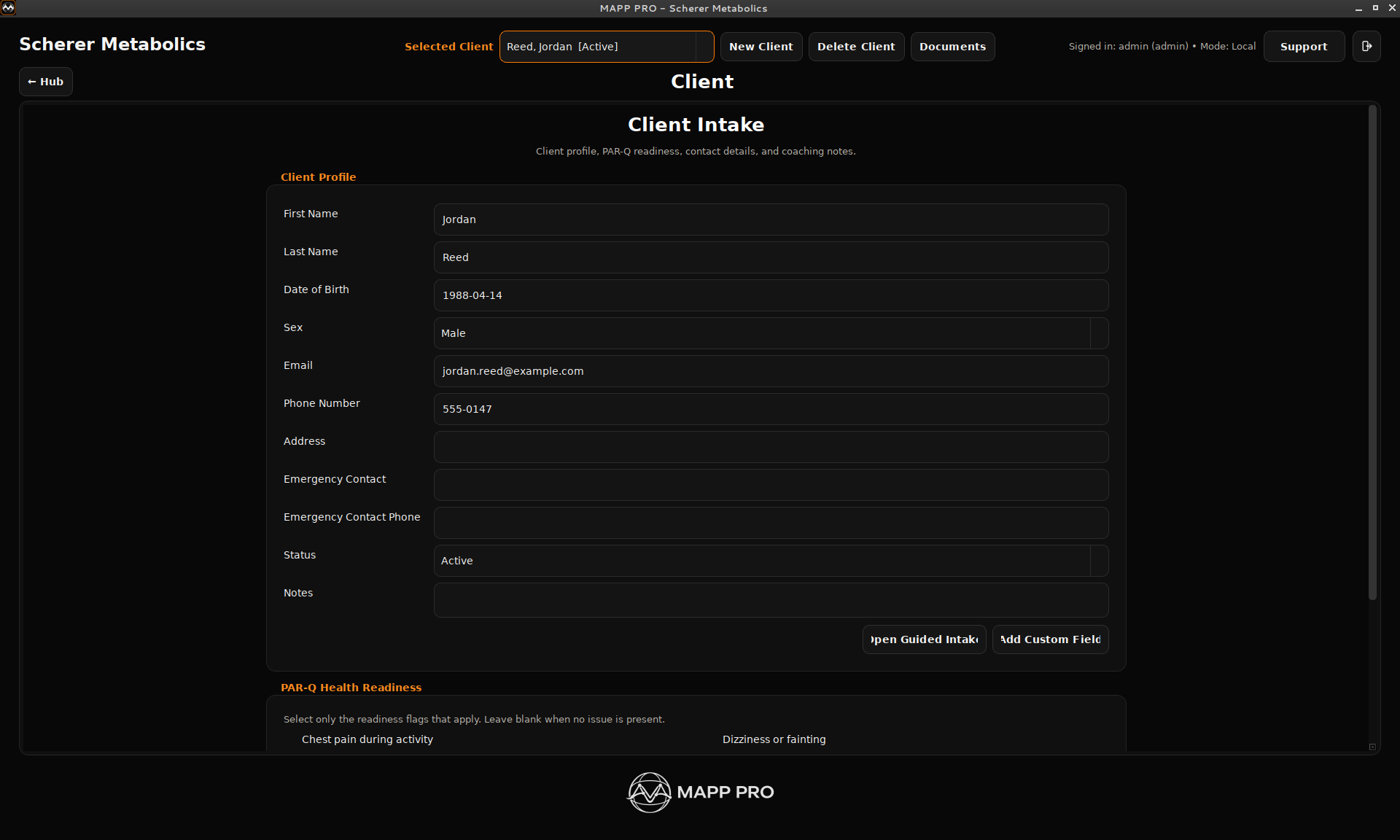
Client IntakeBuild a client profile with contact details, goals, PAR-Q readiness, coaching notes, training commitment, and custom fields.
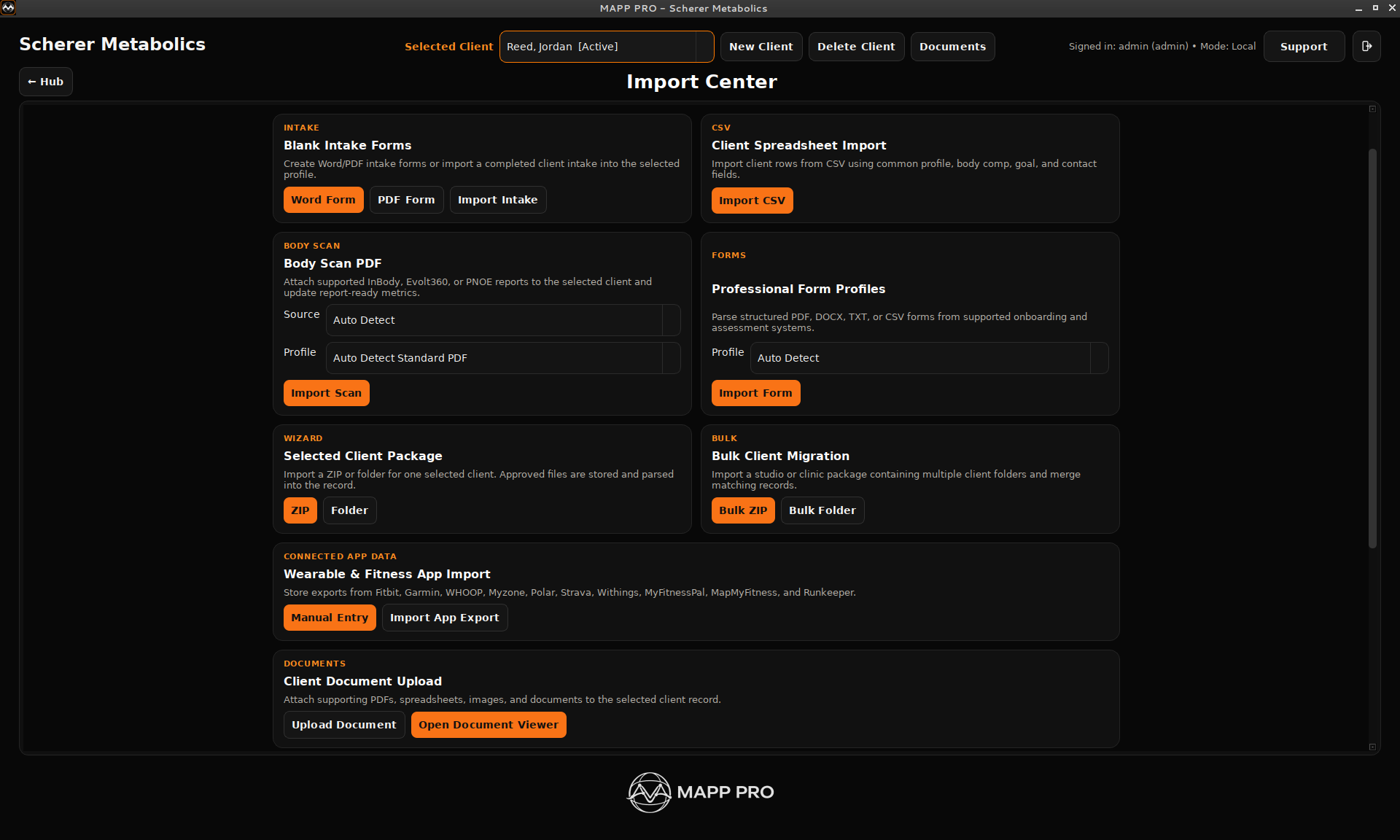
Import CenterBring in client spreadsheets, intake files, body scan PDFs, metabolic testing files, connected app exports, and supporting documents.
Connected AppsTrack manual entries or imported exports from Fitbit, Garmin, WHOOP, Myzone, Polar, Strava, Withings, MyFitnessPal, MapMyFitness, and Runkeeper.
Document ViewerKeep reports, uploads, scans, imports, and supporting PDFs with the selected client so files are easy to review later.
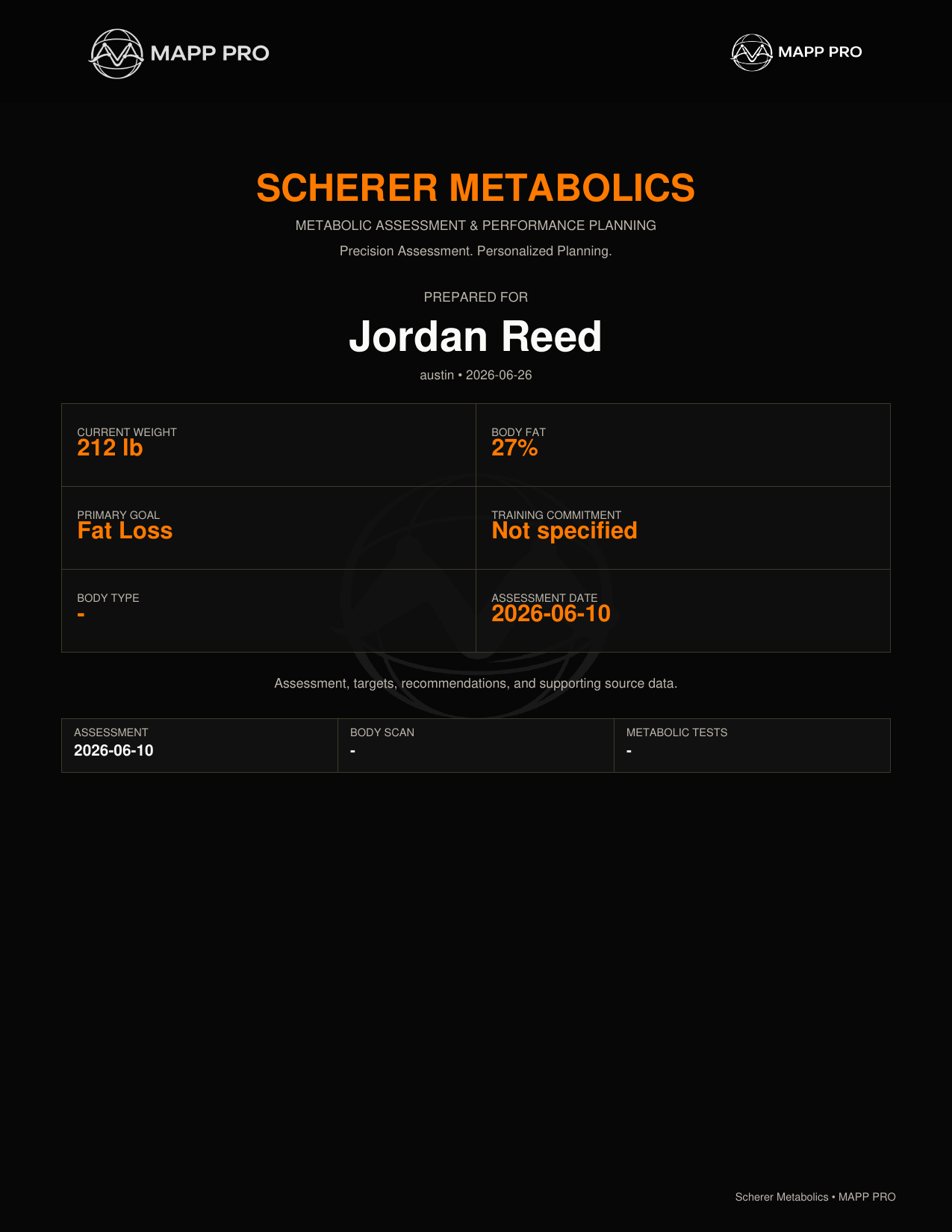
Report BuilderCreate professional client or coach reports with selected sections, missing-data checks, nutrition targets, and dashboard-style report output.
Facility SetupConfigure facility name, save paths, report defaults, user roles, support details, licensing profile, and protected technician settings.


Report Gallery

PDF examples

Included Tools

What MAPP PRO does

Client IntakeBuild a client profile with contact details, goals, PAR-Q readiness, coaching notes, training commitment, and custom fields.
Import CenterBring in client spreadsheets, intake files, body scan PDFs, metabolic testing files, connected app exports, and supporting documents.
Connected AppsTrack manual entries or imported exports from Fitbit, Garmin, WHOOP, Myzone, Polar, Strava, Withings, MyFitnessPal, MapMyFitness, and Runkeeper.
Document ViewerKeep reports, uploads, scans, imports, and supporting PDFs with the selected client so files are easy to review later.
Report BuilderCreate professional client or coach reports with selected sections, missing-data checks, nutrition targets, and dashboard-style report output.
Facility SetupConfigure facility name, save paths, report defaults, user roles, support details, licensing profile, and protected technician settings.
Included Tools

What MAPP PRO does

Client IntakeBuild a client profile with contact details, goals, PAR-Q readiness, coaching notes, training commitment, and custom fields.
Import CenterBring in client spreadsheets, intake files, body scan PDFs, metabolic testing files, connected app exports, and supporting documents.
Connected AppsTrack manual entries or imported exports from Fitbit, Garmin, WHOOP, Myzone, Polar, Strava, Withings, MyFitnessPal, MapMyFitness, and Runkeeper.
Document ViewerKeep reports, uploads, scans, imports, and supporting PDFs with the selected client so files are easy to review later.
Report BuilderCreate professional client or coach reports with selected sections, missing-data checks, nutrition targets, and dashboard-style report output.
Facility SetupConfigure facility name, save paths, report defaults, user roles, support details, licensing profile, and protected technician settings.
Licensing Options

Simple license paths.

Choose local/offline or connected deployment. Then match the tier to your team size and reporting needs.
Local

MAPP PRO Local

For facilities that want MAPP PRO running in their own local environment.

  • Local/offline operation
  • Signed license file
  • Client intake, imports, documents, and reports
  • Facility defaults and protected setup options
Connected

MAPP PRO Connected

For facilities that need customer-owned SSO, cloud connectivity, or a custom deployment profile.

  • Customer-owned connectivity
  • SSO/cloud-ready deployment profile
  • Connected license controls
  • Clinical and Enterprise planning options
License tiers

Pick the tier by facility size.

CoachSingle professional setup.
StudioSmall team workflow.
ClinicalStructured clinical-style reporting.
EnterpriseCustom deployment planning.

Need help choosing?

Send the facility size, team structure, and preferred deployment path.

Request Quote

Get MAPP PRO pricing